Diagnostics
In the Diagnostics view, all of the incoming device data is made visible. This tool can be used to monitor data, especially when the system malfunctions.
 MENU > Diagnostics,
or
MENU > Diagnostics,
or
Keyboard: F5
The window is also opened when the positioning system is clicked on in the Caption Bar  :
:
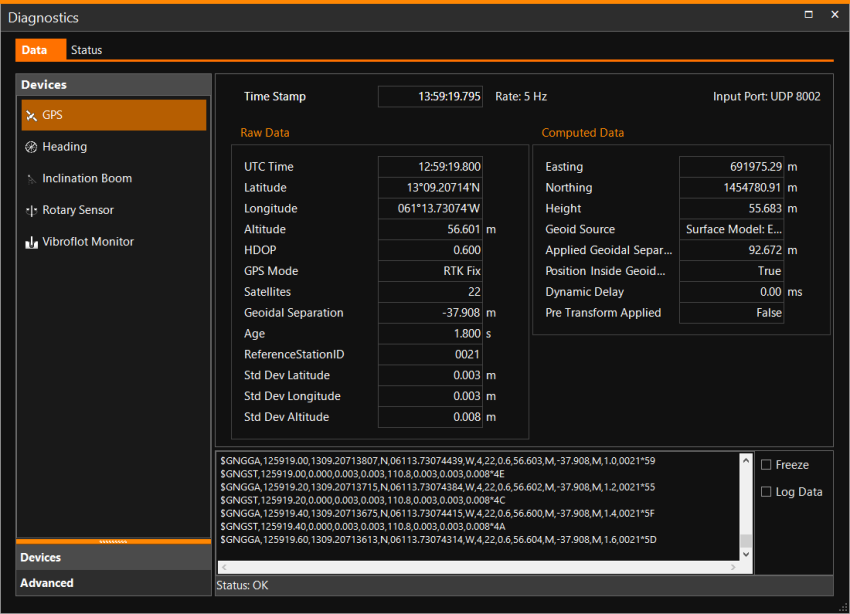
Various info tabs are present:
Data
Data can show only the active device data or in Advanced mode it displays the total of all data, computations, operation settings and system info. Clicking on each Device, you can see if data is coming in and if it is being decoded correctly. It is also possible to Log Data, so it can be analyzed at a later stage.
Status
Presents the condition of the devices and selected main shapes A geometric entity or a collection of such entities. Each entity is described by basic geometry such as a point, a line or an arc. Examples of shapes are: Route, Centerline, Waypoints, Fix Set, Dump Boxes, Progress Grid Model, Designs, etc.. The
status of the system will be triggered when something is wrong, resulting
in red indicators in the top right corner of the terminal. Together with
the panel folding out from the bottom, the user is immediately warned
that the system is unhealthy.
A geometric entity or a collection of such entities. Each entity is described by basic geometry such as a point, a line or an arc. Examples of shapes are: Route, Centerline, Waypoints, Fix Set, Dump Boxes, Progress Grid Model, Designs, etc.. The
status of the system will be triggered when something is wrong, resulting
in red indicators in the top right corner of the terminal. Together with
the panel folding out from the bottom, the user is immediately warned
that the system is unhealthy.
Show Event Log
Under the Show Event Log Button chronologically events from the software and user are recorded. It can help to analyze occurrences in the software.
Position Comparison
This option is only available if more than one positioning system is available on your equipment. (So not visible in the image above.)
See: Position Comparison
Devices
At the bottom of the screen, on the left hand side, click on this option to see a list of devices as installed onboard.
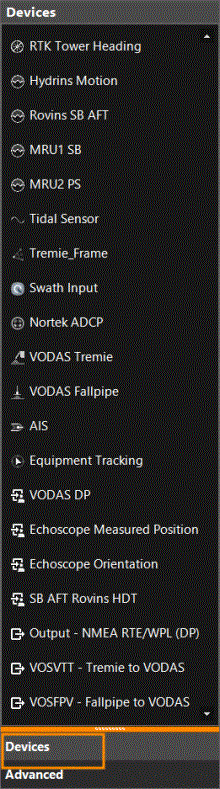
Click on a device to see the Raw Data and the Computed Data displayed to the right.
Advanced
At the bottom of the screen, on the left hand side, click on this option to see a list of devices as installed onboard, including the Sensor position, its Origin Position and the Delta Position.
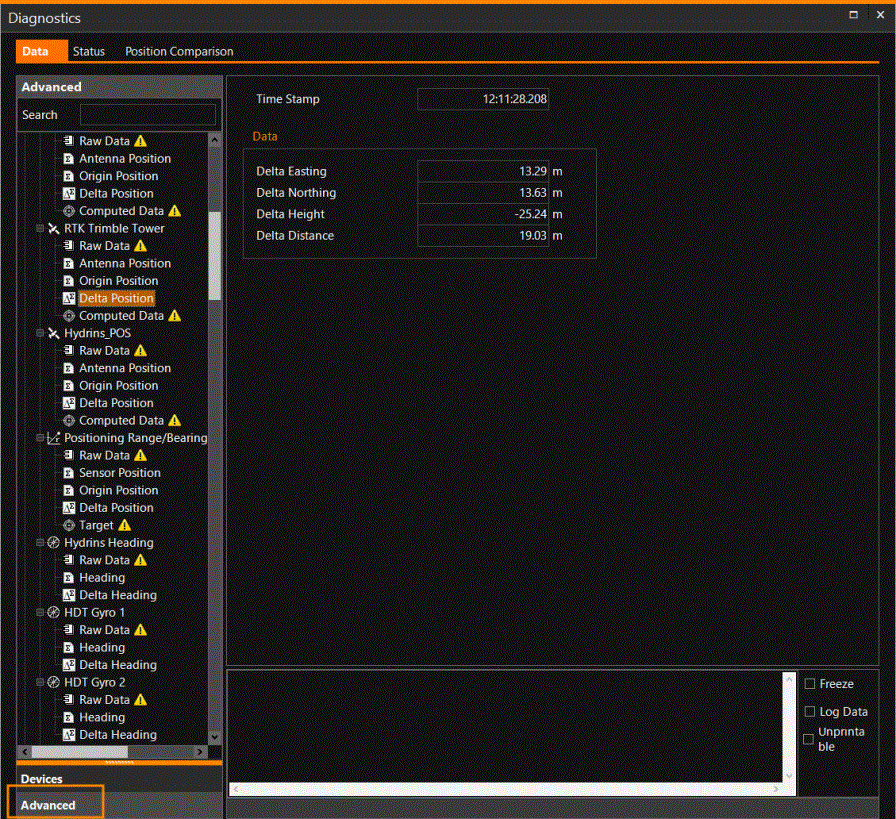
When you want to compare the differences between positioning, heading and attitude devices (without the use of custom computations), some default Delta computations are available. In this computation, the device output values are compared to the primary position/heading/attitude.
The differences can be viewed here, in Diagnostics, added to a Numerics / Time Series / Linear Gauge view, or logged to a Custom Log.