Dockable Menu
The Dockable Menu offers buttons to bring up front options which are normally to be found deeper in the menu.
Any menu item can be selected to use in this view.
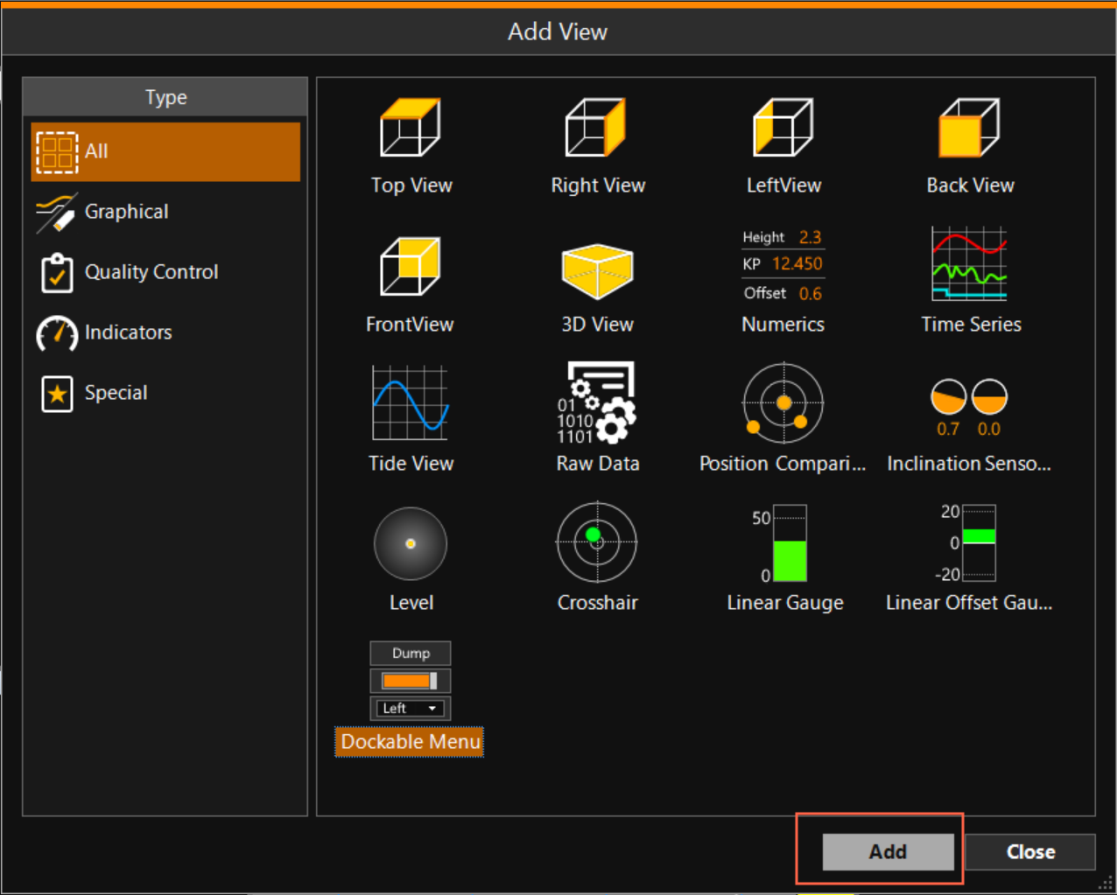
Adding a Dockable Menu goes like this:
 MENU > Screen Layout > Add View > Dockable Menu > Add
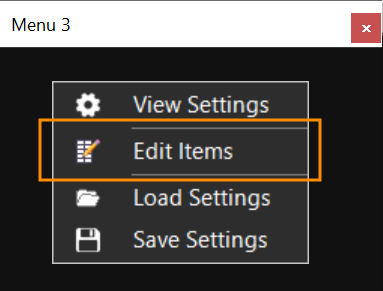
In the dockable menu that opens, right click and select Edit Items:
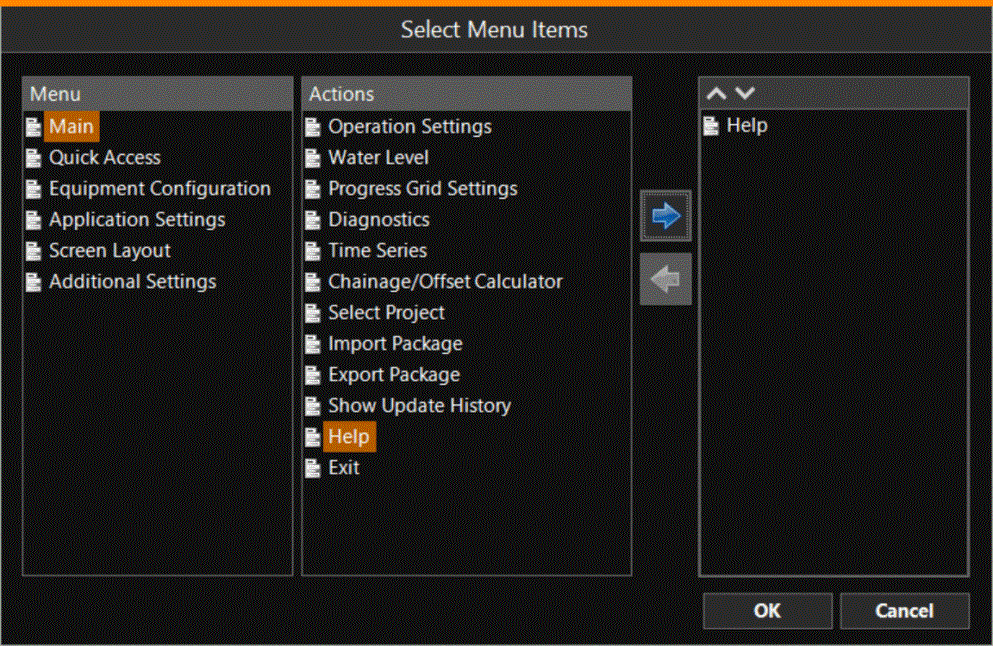
Select any item from the Menu, select an Action, click the blue arrow and click OK:
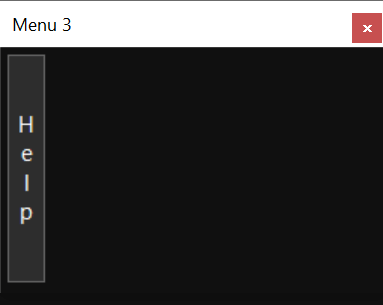
This will add a button showing the selected action:
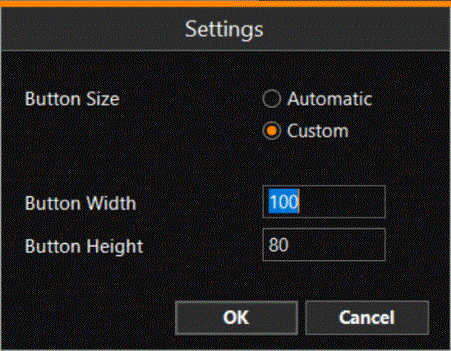
Right click in the menu and select View Settings, to adjust the looks of the button:
Dockable Menus can contain any item from the VOSS RT menu.
For a few examples, see these pages: