Activity
To allow the operator to control the current activity in VOSS RT, add the “Activity” menu item to a dockable menu.
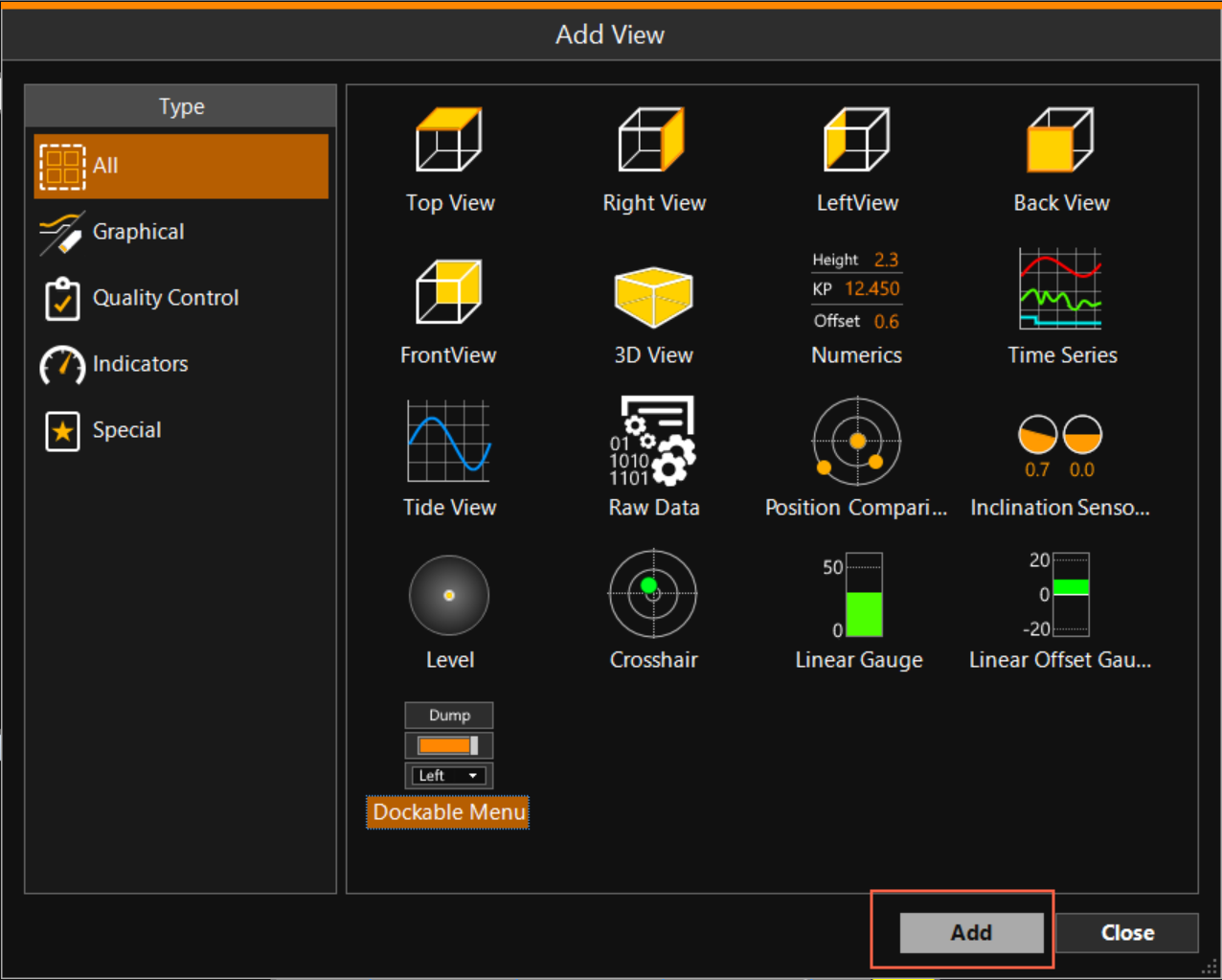
 MENU > Screen Layout > Add View > Dockable Menu > Add
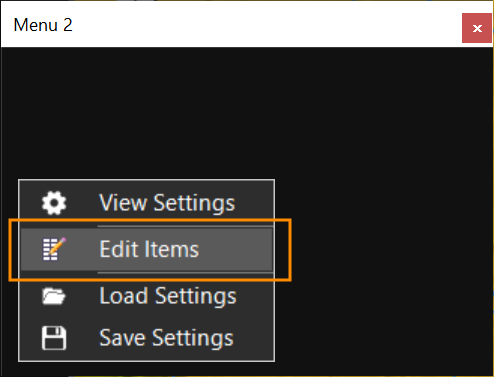
In the dockable menu that opens, right click and select Edit Items:
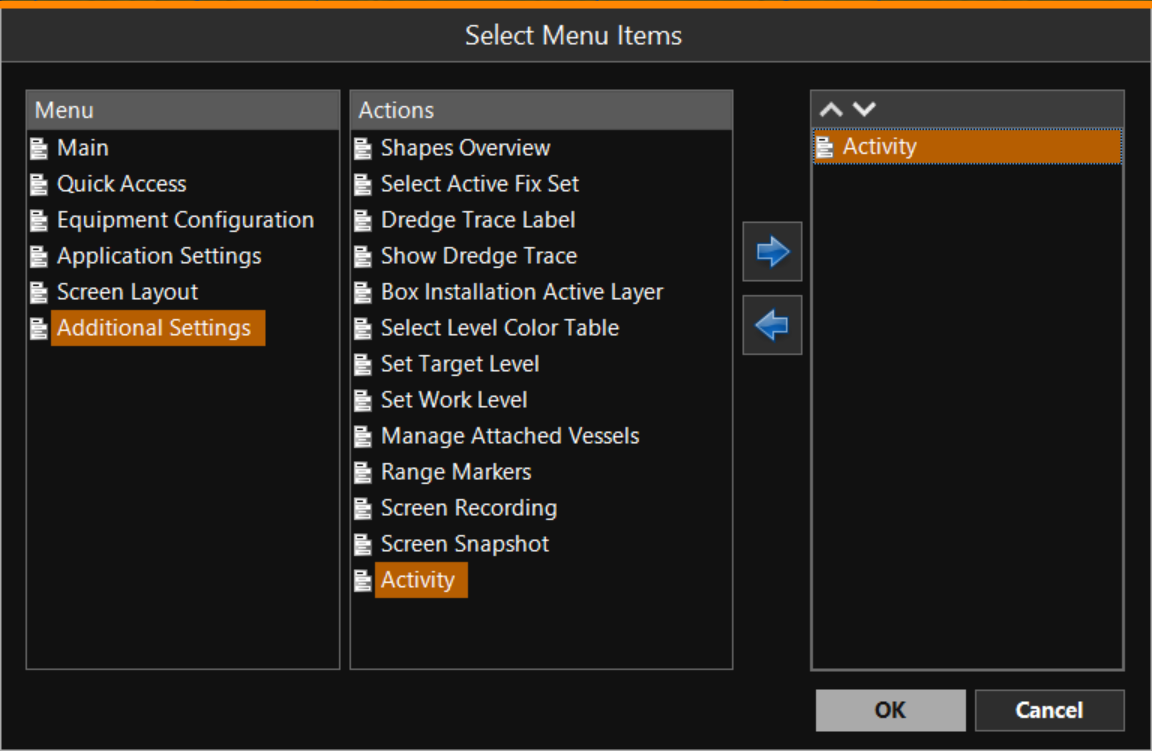
Via Additional Settings, select Activity, click the blue arrow and click OK:
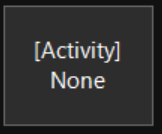
This will add a button showing the current activity:
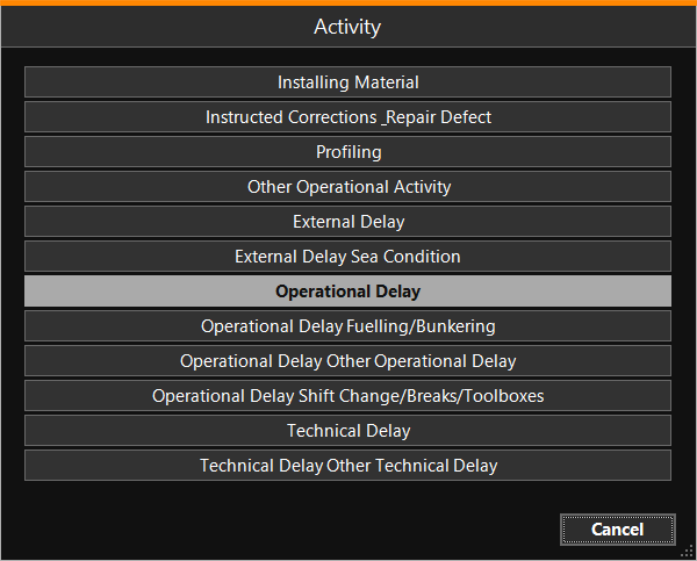
Clicking that button will allow the operator to switch to a different activity, which will be stored in the Activity Log File:
Activity Logs can be exported from VOSS RT via Export Package > Log Files.