Active Color Tables
The Active Color Tables are the tables in use. They are selected under Operation Settings.
 MENU > Operation
Settings > Color Tables or:
MENU > Operation
Settings > Color Tables or:
Keyboard: F1 >
Color Tables
The Color Tables that are selected in this Menu, will be used depending on your choice for Color Settings in the Top View.
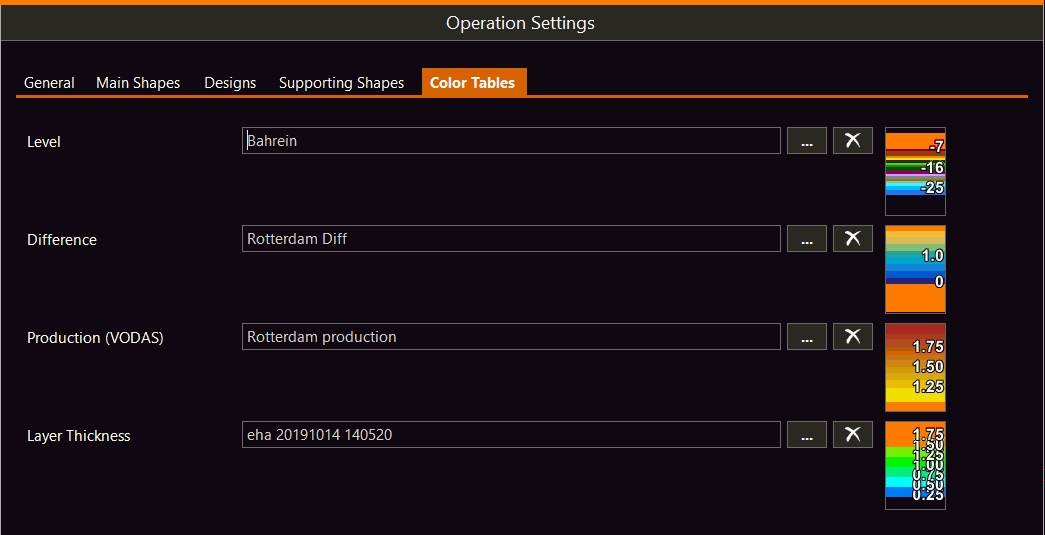

[...] button- Lets you choose a Color Table. Also it gives the possibility to Edit an existing table and Create a new one. See also: Create a depth color table and Create a difference color table
[X] button - Will make VOSS RT stop using the selected Color Table and will leave the selection blank.