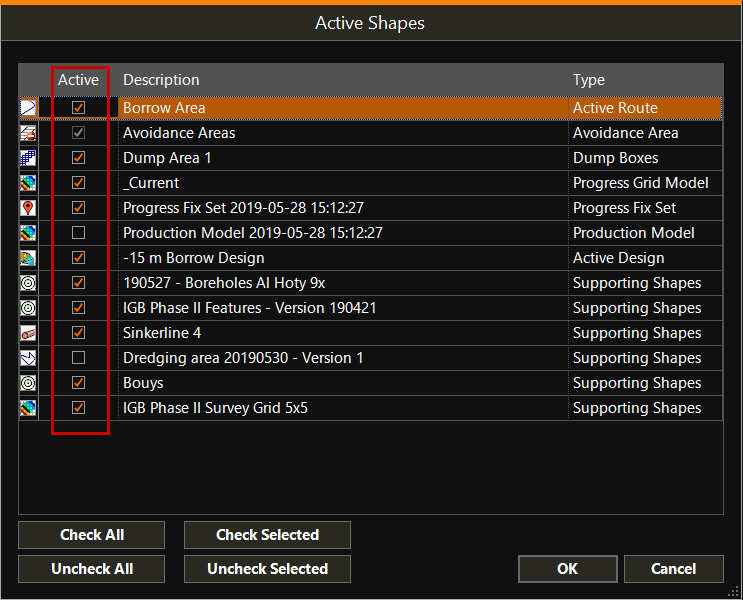
Switch Shapes on/off (visible/unvisible)
In the Top View or any other view, Shapes A geometric entity or a collection of such entities. Each entity is described by basic geometry such as a point, a line or an arc. Examples of shapes are: Route, Centerline, Waypoints, Fix Set, Dump Boxes, Progress Grid Model, Designs, etc. can be switched on and off,
to make them visible or invisible.
A geometric entity or a collection of such entities. Each entity is described by basic geometry such as a point, a line or an arc. Examples of shapes are: Route, Centerline, Waypoints, Fix Set, Dump Boxes, Progress Grid Model, Designs, etc. can be switched on and off,
to make them visible or invisible.
 Right mouse click
in a View
Right mouse click
in a View
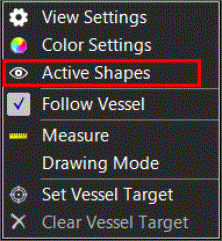
The list of Shapes will be shown. Click on the boxes to make Shapes Active or not active (visible or invisible).
The list contains both Main Shapes and Supporting Shapes: