Geo Textile
During installation of Geo textile, a roll is used. The passes of the Geo textile roll are recorded as polygons along the outer edges of the textile.
 MENU > Quick Access> Geo Textile Installation, or: F7
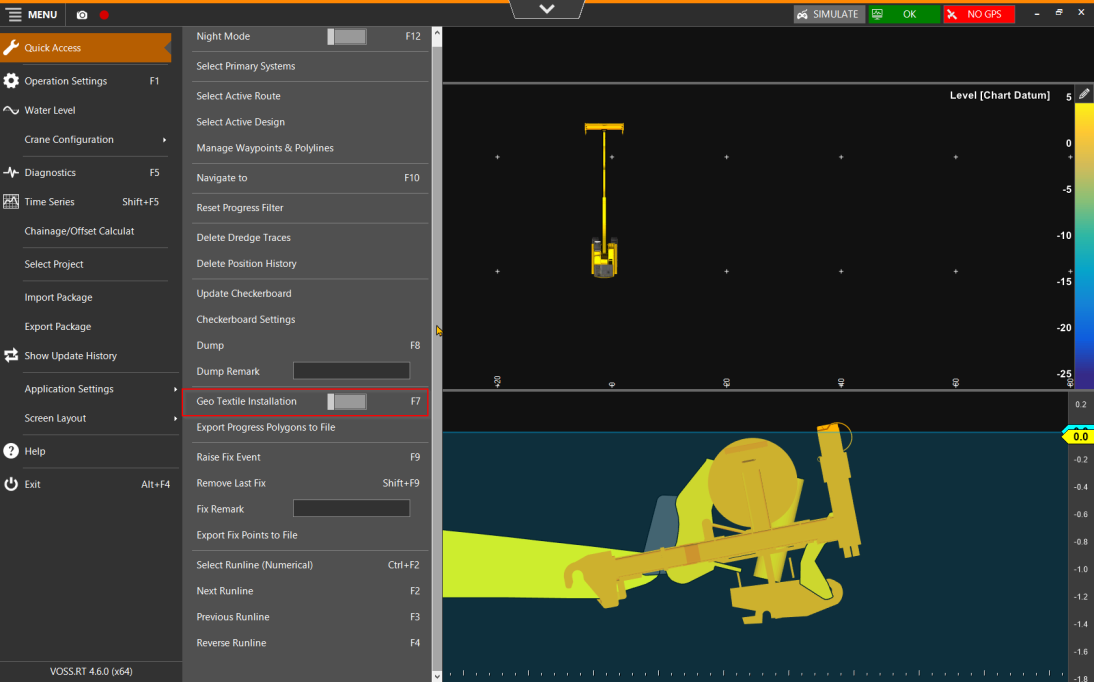
Geo Textile Polygons
To record the areas where the Geo textile roll has passed between use of the start and stop buttons, a polygon set file should be activated under Main Shapes.
MENU > Operation Settings > Main Shapes A geometric entity or a collection of such entities. Each entity is described by basic geometry such as a point, a line or an arc. Examples of shapes are: Route, Centerline, Waypoints, Fix Set, Dump Boxes, Progress Grid Model, Designs, etc. > Geo Textile Polygons
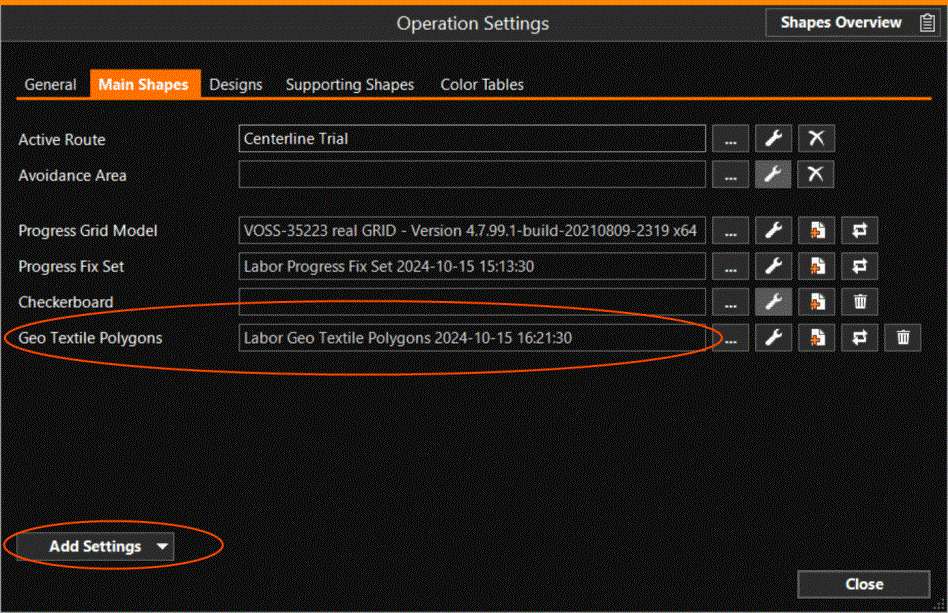
Use 'Add Settings' to add the storage file:
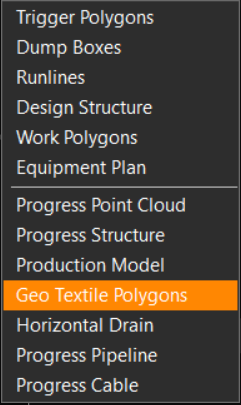
All recorded Geo textile passes are stored in the same Polygon Set A Shape file containing one or more Polygons file.
The polygons may look like this:
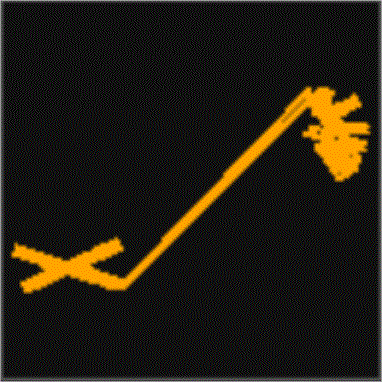
The Polygon Plane figures that are bounded by a closed path. Set containing the Geo textile installation passes can be
exported, see: Create Export Package.