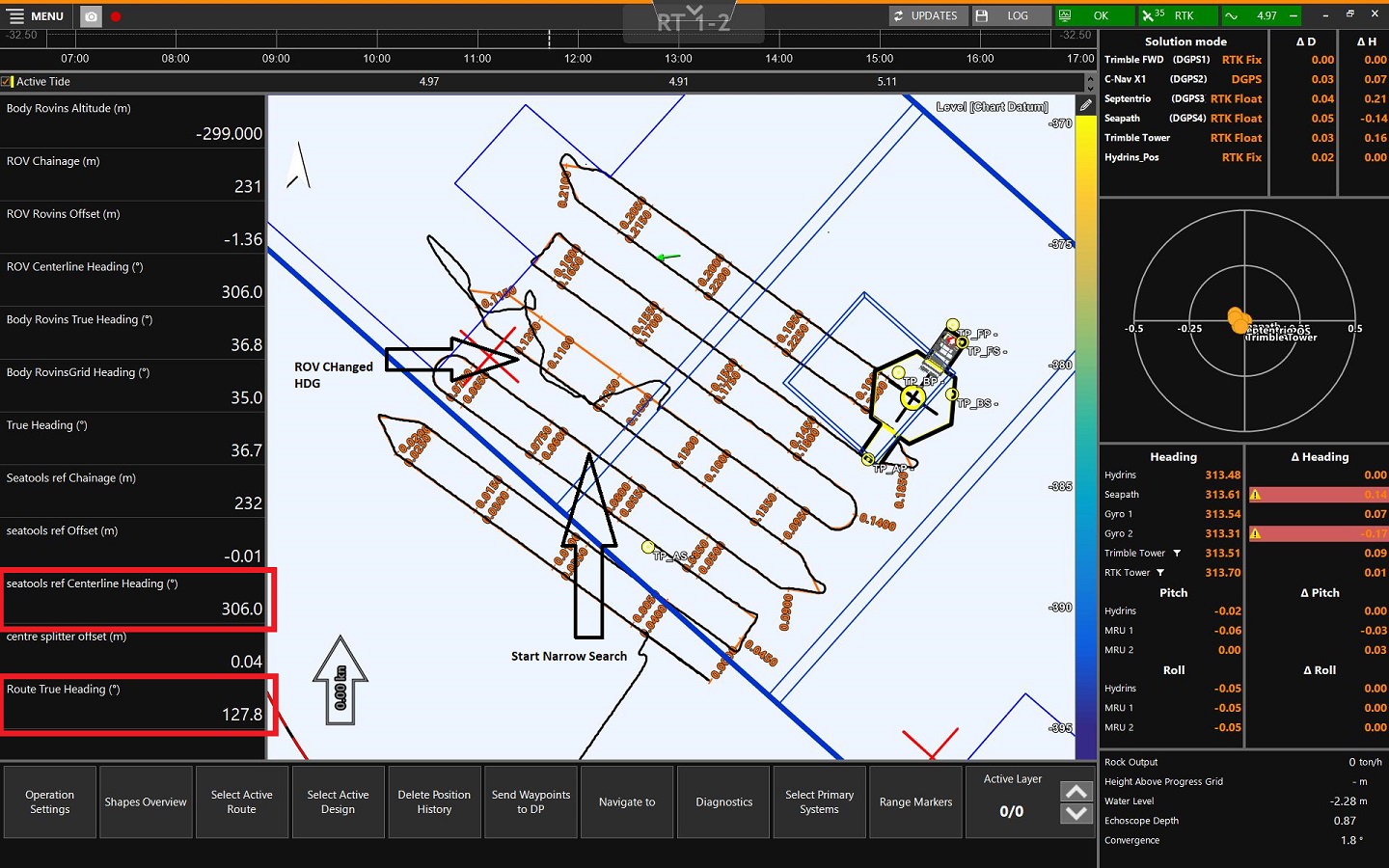
Route Segment Highlight
Indicate for which part of the Route Routes are aiding lines used in the construction of infrastructure. They usually correspond to the center or a standard offset to the center of that structure. A Centerline can be a Route. A Pipe or Pipeline can also be a Route. the information (heading, offset, chainage, etc.) will be calculated.
For example, when the ROV Remotely Operated Vehicle follows a winding route, which part of the route will be used to steer back to.
 MENU > Operation Settings > General > Route Segment Highlight
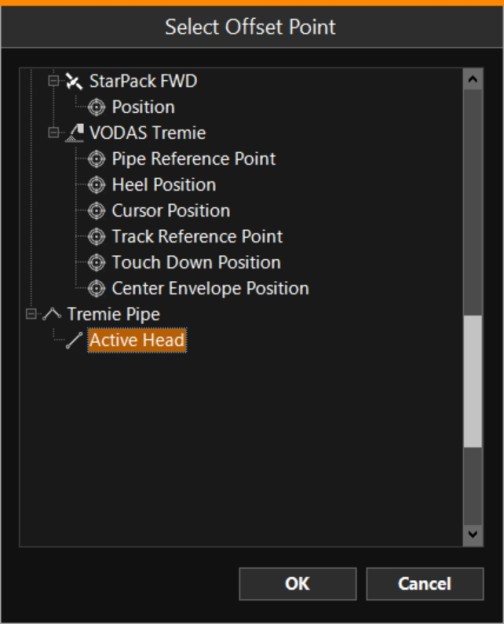
Select which Tracking Point A point consists of an Easting, Northing and Elevation. to use for the calculations by clicking on the browse button [...] :
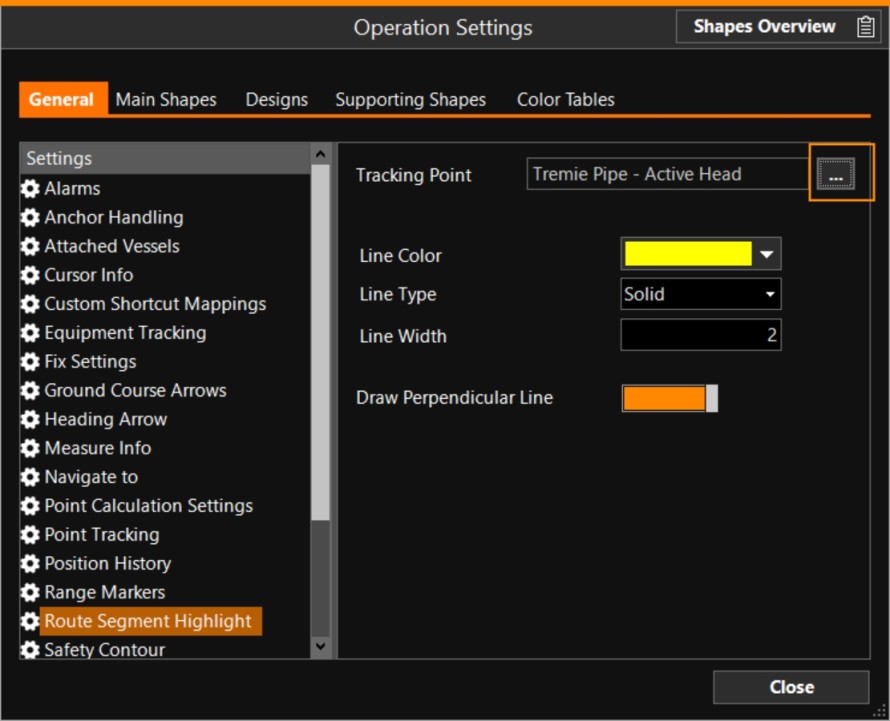
Draw Perpendicular Line - Draw a line from the Tracking Point to the Route Segment. It will run perpendicular to the regular Homing line. (Visible in the screen capture below as a dotted orange line.)
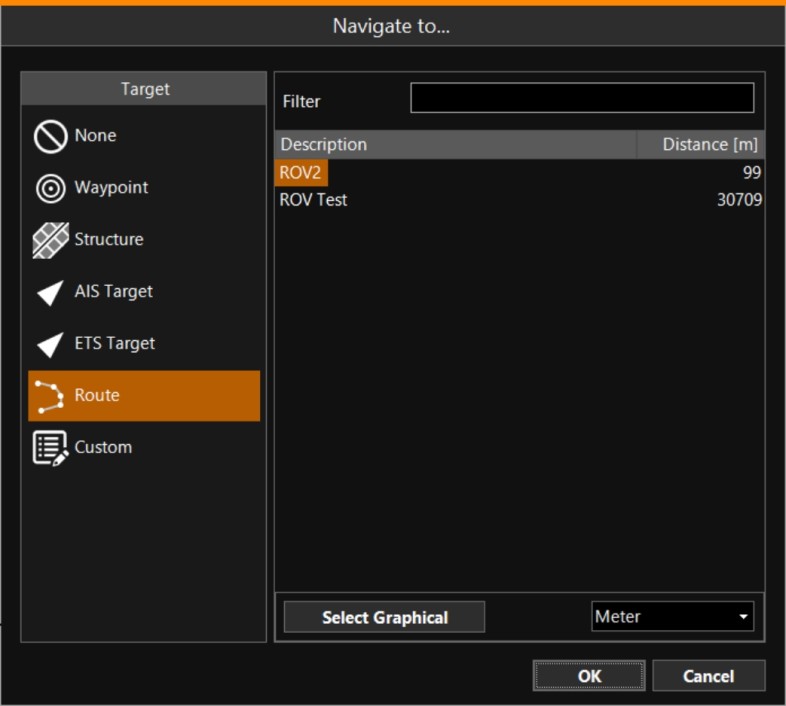
Select which Route to use:
MENU > Quick Access > Navigate to > Route
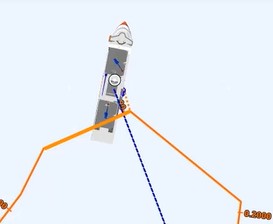
In the image below, the Route Segment is highlighted in orange and the wavering track of the ROV can be seen. The ROV needs to be steered back to the Route.