Measure
Measure is a handy tool to measure distances on your Top View screen.
You can:
-
measure a distance between two points
-
measure the total distance of a number of straight legs (for example connecting various way points)
The option also exists in the Right View/Left View screens, but only in trimmed version.
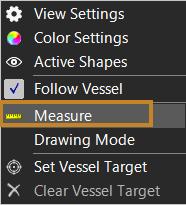
 Right mouse click
Top View > Measure
Right mouse click
Top View > Measure
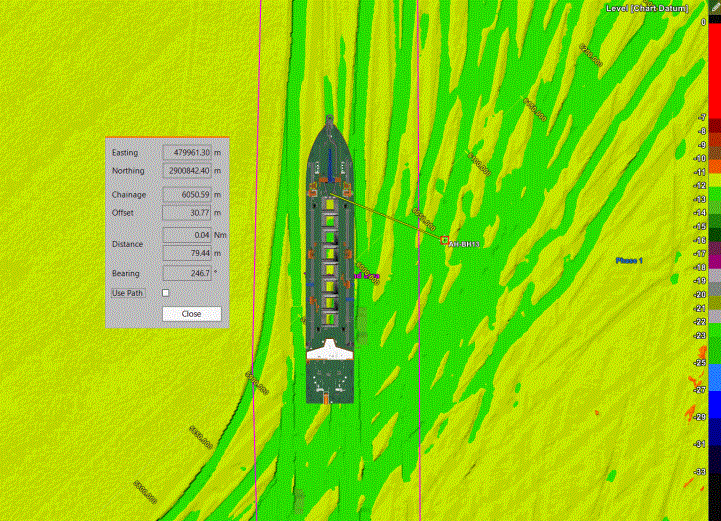
Measure will draw a straight line from the tracking point on your equipment to a point you indicate with the mouse.
If you want to measure the distance between 2 points away from your equipment, indicate both points by left mouse clicks.
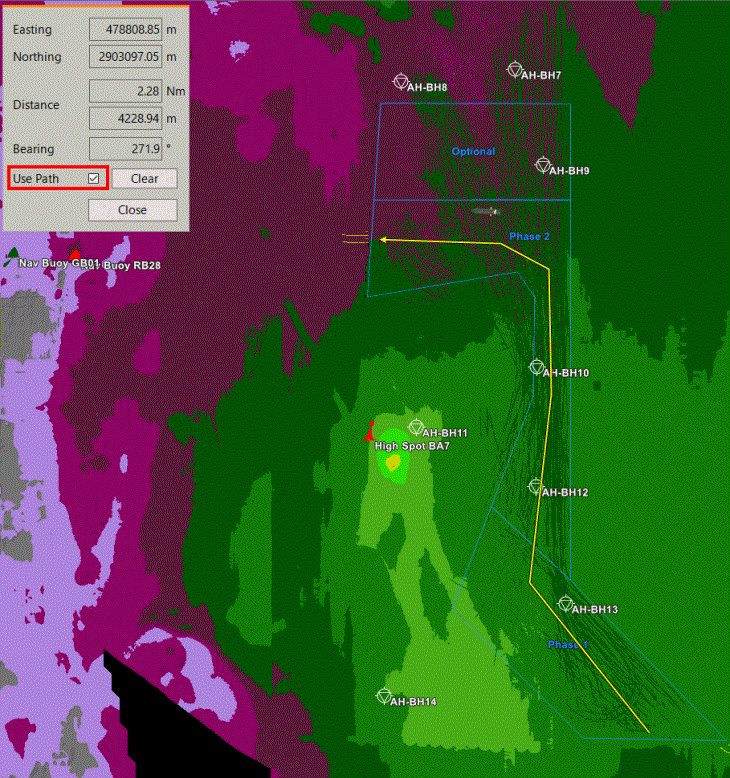
To measure the length of a path (the sum of various straight line segments), tick the Use Path box and define your path by various left mouse clicks:
To define which information will be shown in the Measure dialog, adjust the settings in the Measure Info window.
There you can also indicate from which point to start measuring.