Vessel History
Vessel History gives the possibility to mark the outline of your vessel during sailing or manoeuvering.
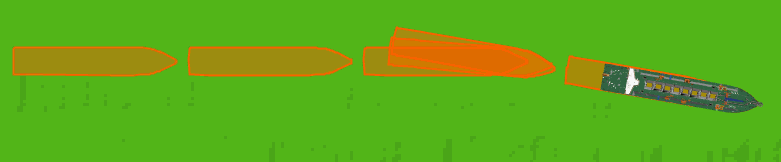
Show Vessel History
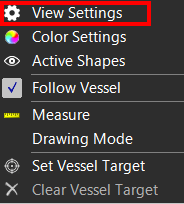
To switch Vessel History on or off:
 Right mouse click
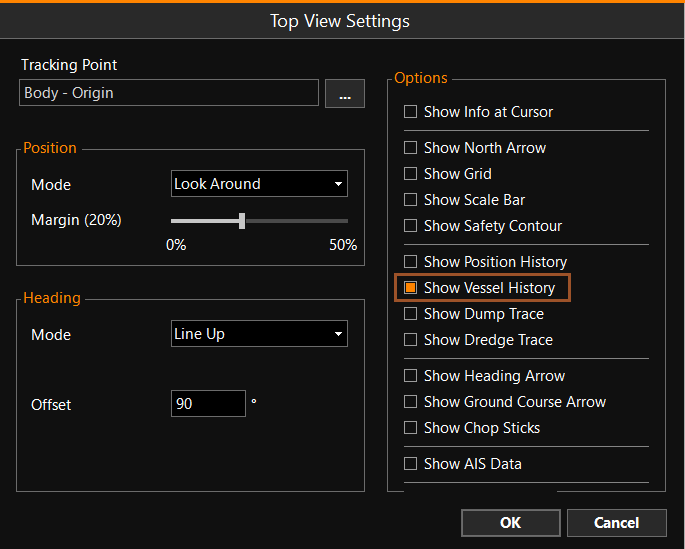
Top View > View Settings > Show Vessel History
Right mouse click
Top View > View Settings > Show Vessel History
Vessel History Settings
To adjust Vessel History Settings:
MENU > Operation
Settings > General > Vessel History or:
Keyboard: F1 >
General > Vessel History
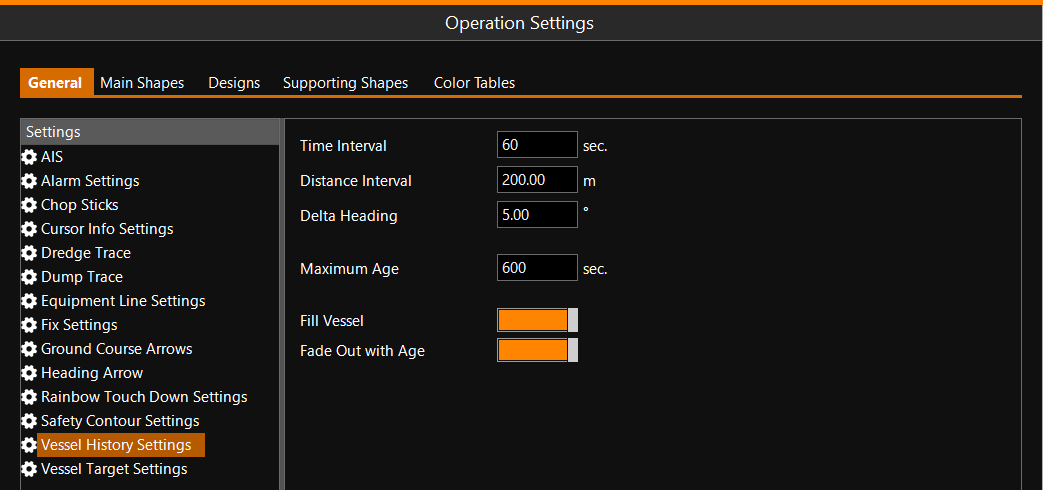
Whenever the Time Interval is passed, the Distance Interval is passed, or the heading changes more than the Delta Heading setting, a new vessel outline will be drawn on the Top View.
If 'Fade Out with Age' is on, vessel outlines older than the time set at 'Maximum Age' will automatically be deleted.