Trigger Polygons
Trigger Polygons are used to trigger an action in certain areas. E.g. 'Start Logging' when entering the polygon and 'Stop Logging' when leaving the polygon.
The Trigger Polygons are defined in VOSS.NET's Shape A geometric entity or a collection of such entities. Each entity is described by basic geometry such as a point, a line or an arc. Examples of shapes are: Route, Centerline, Waypoints, Fix Set, Dump Boxes, Progress Grid Model, Designs, etc. Editor.
Trigger Polygons can be managed via Main Shapes:
 MENU > Operation Settings > Main Shapes > Trigger Polygons
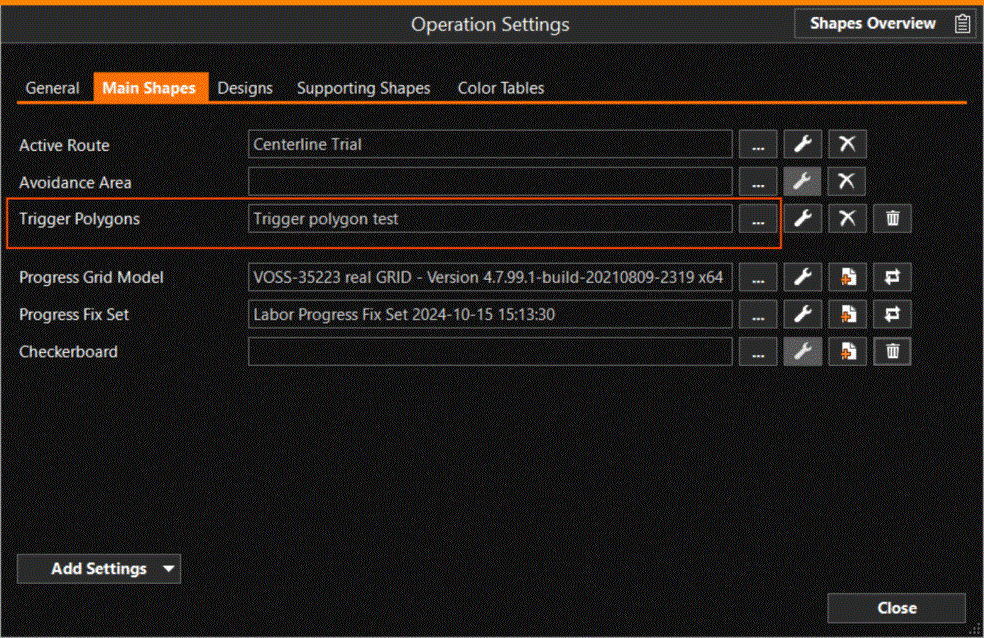
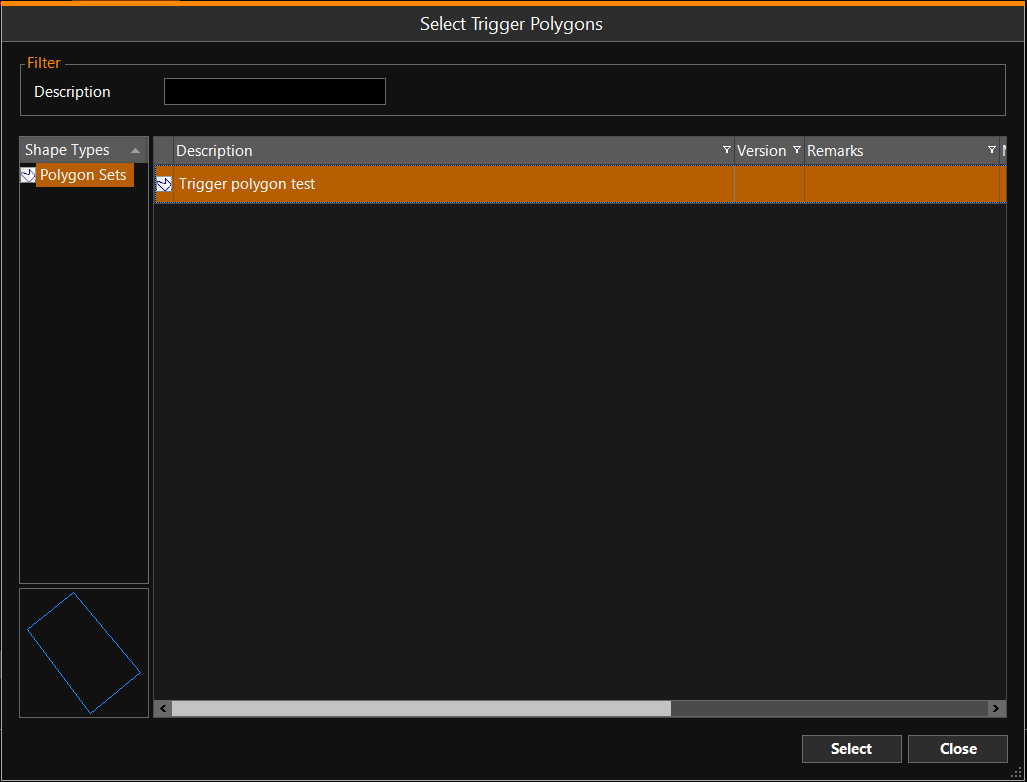
Use the browse button [...] to select a file with polygon(s):
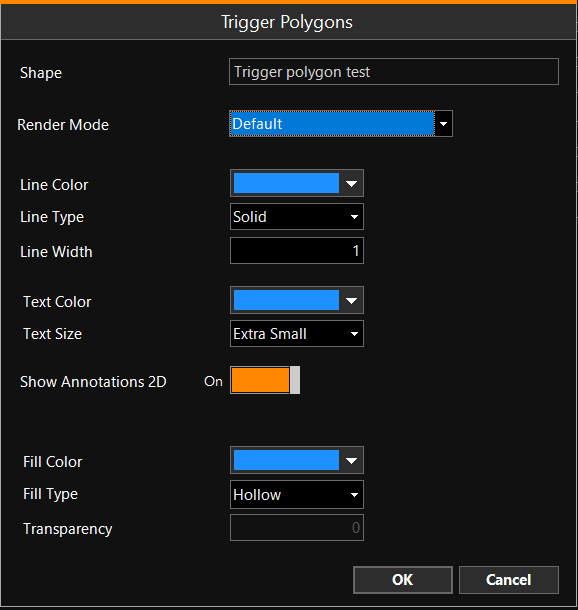
Once selected, use the spanner icon to edit the settings of the polygons:
In VOSS.NET's Equipment Editor Part of the VOSS.net software package, in which all parameters, dimensions, layout, arms, heads and interfacing with other equipment can be defined, normally by the surveyor., the Polygon Plane figures that are bounded by a closed path.(s) are coupled to an Event. This way, the Event will occur as soon as the side of the polygon is crossed.