Safety Contour
A contour is a line through points of the same height. The Safety Contour is an aid for safe navigation, indicating the boundaries at a height that is chosen by the Master.
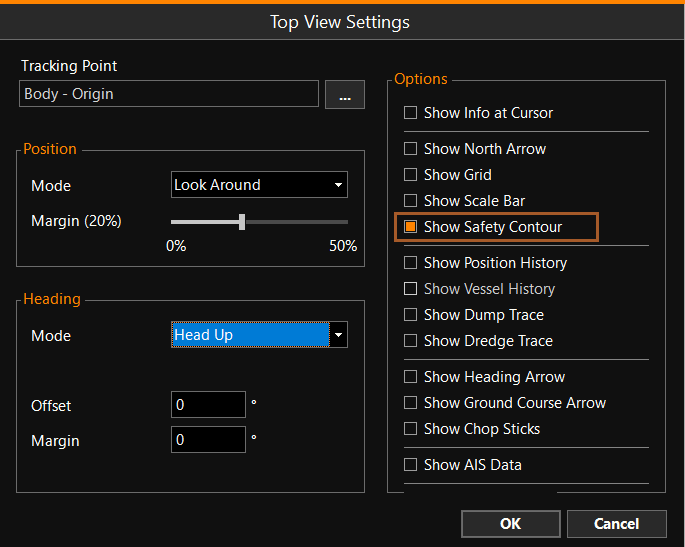
Show Safety Contour
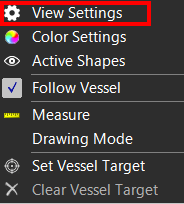
To switch the Safety Contour on or off:
 Right mouse click
Top View > View Settings > Show Safety Contour
Right mouse click
Top View > View Settings > Show Safety Contour
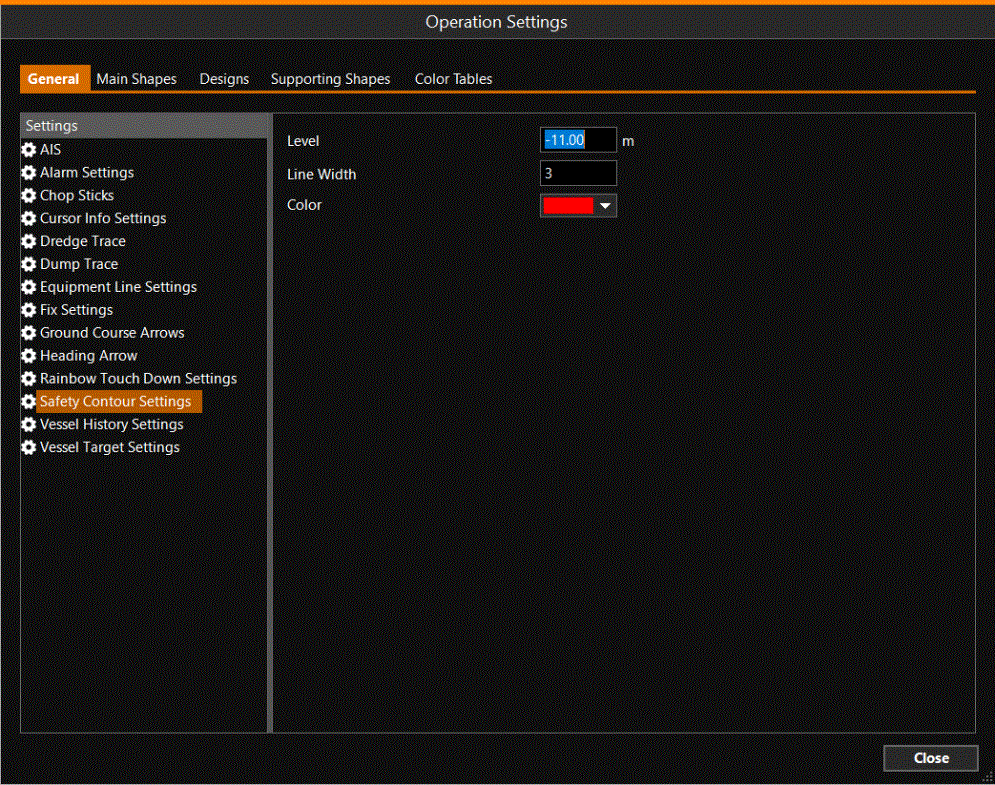
Safety Contour Settings
To set the level of the Safety Contour and the way the contour is shown:
MENU > Operation
Settings > General > Safety Contour Settings or:
Keyboard: F1 >
General > Safety Contour Settings