SMIDS View
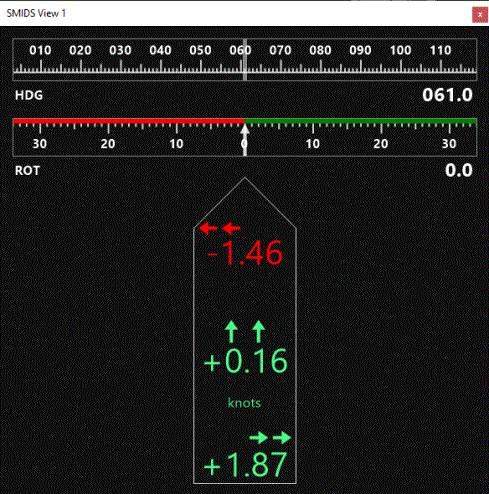
The Ship Movement Information Display System (SMIDS) provides accurate information about vessel movement. Especially in conditions with strong winds or currents this can be a valuable tool for navigation and manoeuvring. Speed of fore-, mid-, and aft-ship is presented, together with the heading of the vessel.
This option is not available for cranes and the likes.
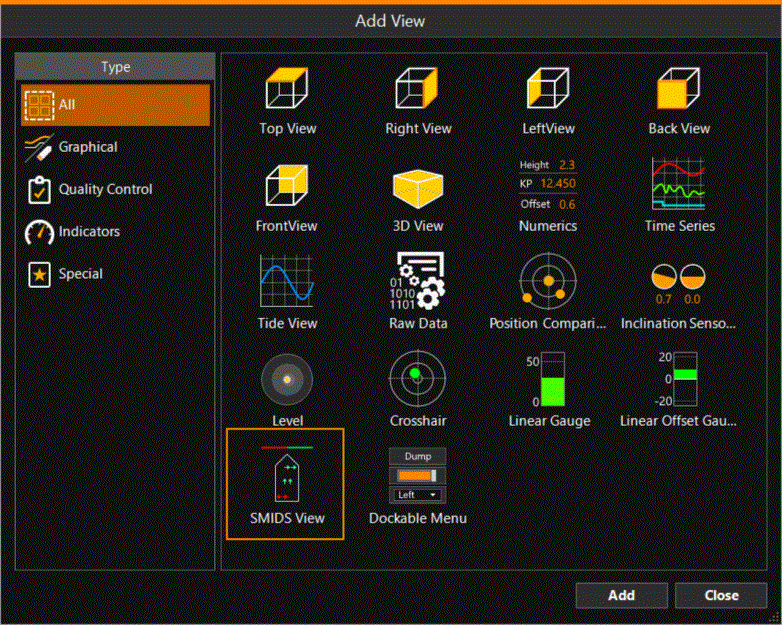
 MENU > Screen Layout > Add View > SMIDS View > Add
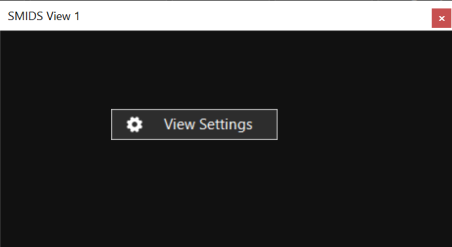
In the window that opens, right click and click View Settings:
|
Settings |
|
|---|---|
|
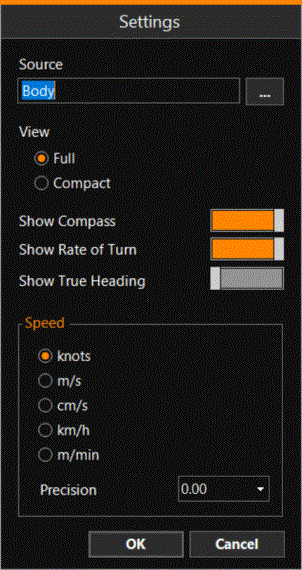
Source |
Use the browse button [...] to select a defined point on the vessel. |
|
View |
Full - Shows vessel outline, direction arrows, speed values, compass, Rate Of Turn indicator (if switched on, see settings blow). Compact - Shows only Rate Of Turn in digits, direction arrows and speed values. |
|
Show Compass |
Option to show only the vessel movement or vessel plus compass, see image below. (HDG) |
|
Show Rate of Turn |
Show the Rate of Turn (ROT) in the view. |
|
Show True Heading |
Show the True Heading (HDG) in the view. |
|
Speed |
Select in which units to show the vessel speed. |
|
Precision |
Use the drop down menu to select how many digits to show behind the decimal point. |