Position History
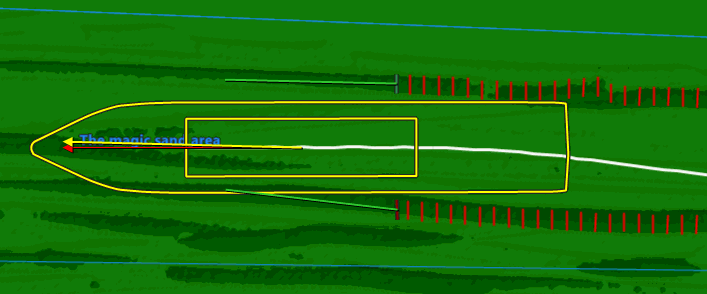
The Position History is the track where the Origin of your equipment has passed. In the picture above, the track is the white line. The point on your equipment that draws the track is the Origin.
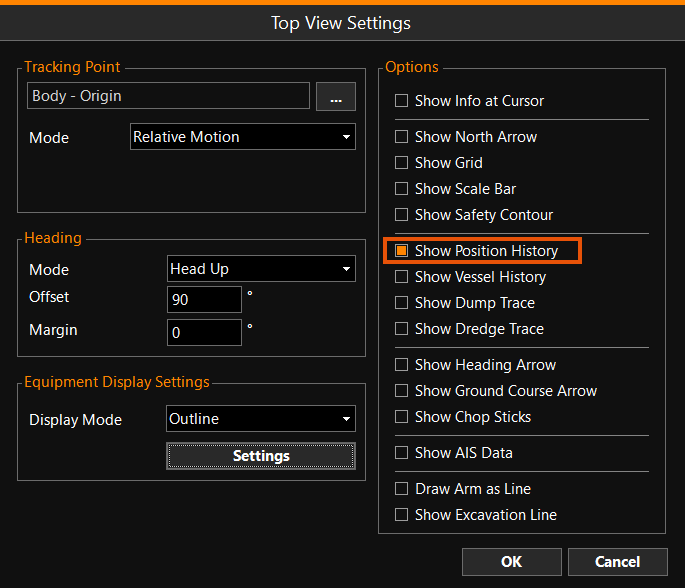
Show Position History
To show or hide the Position History:
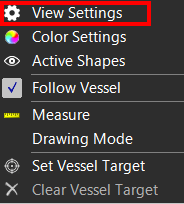
 Right mouse click
Top View > View Settings > Show Position History
Right mouse click
Top View > View Settings > Show Position History
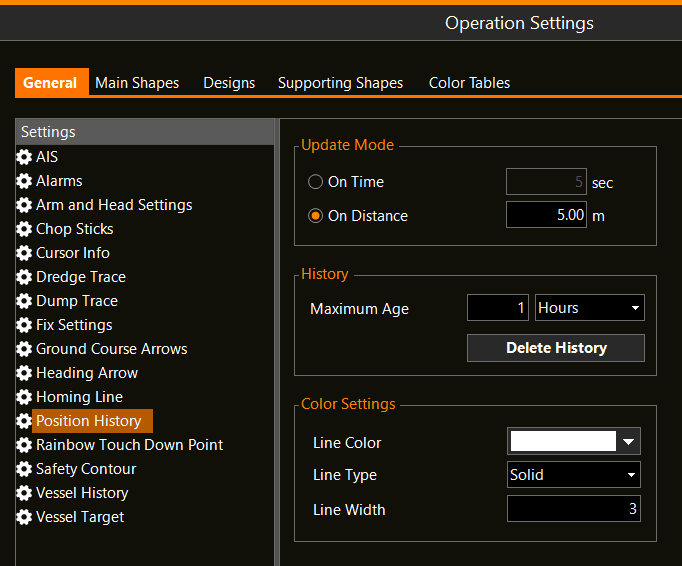
Position History Settings
To adapt the way Position History is shown:
MENU > Operation
Settings > General > Position History or:
Keyboard: F1 >
General > Position History
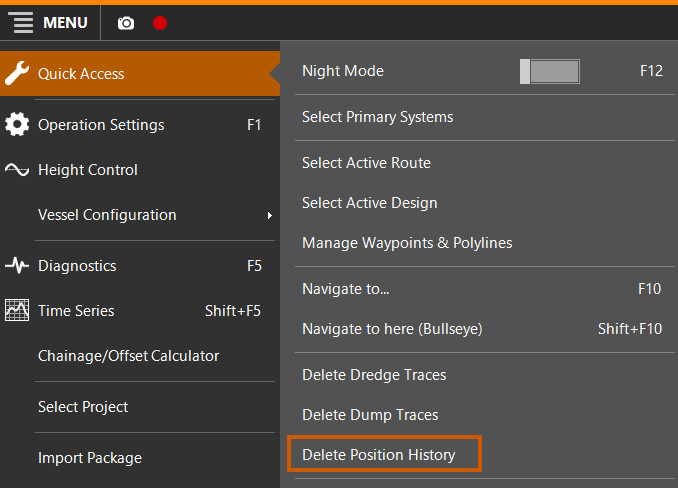
Delete Position History
To Delete Position History:
MENU > Quick Access > Delete Position
History