Dump Trace
Dumping is the depositing of material.
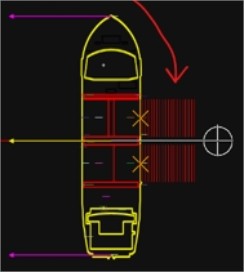
A dump trace option is available for a Side Stone Dumping Vessel to generate traces for the active bays.
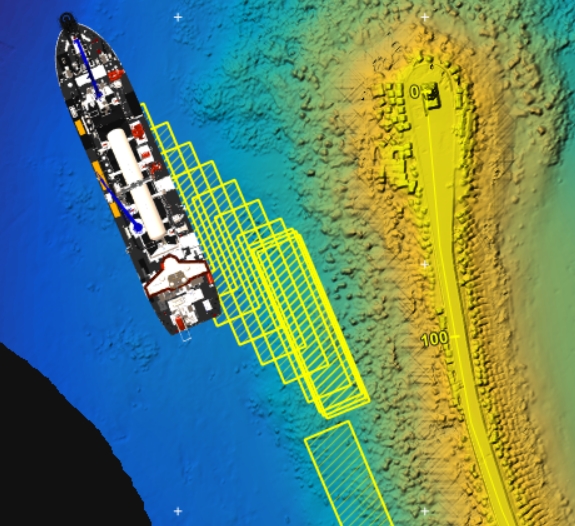
When on a Hopper Dredger, an imprint of the hopper will be shown at regular intervals.
On this page:
Show Dump Traces
Use the right mouse menu in the Top View to make the traces visible.
 Right mouse click
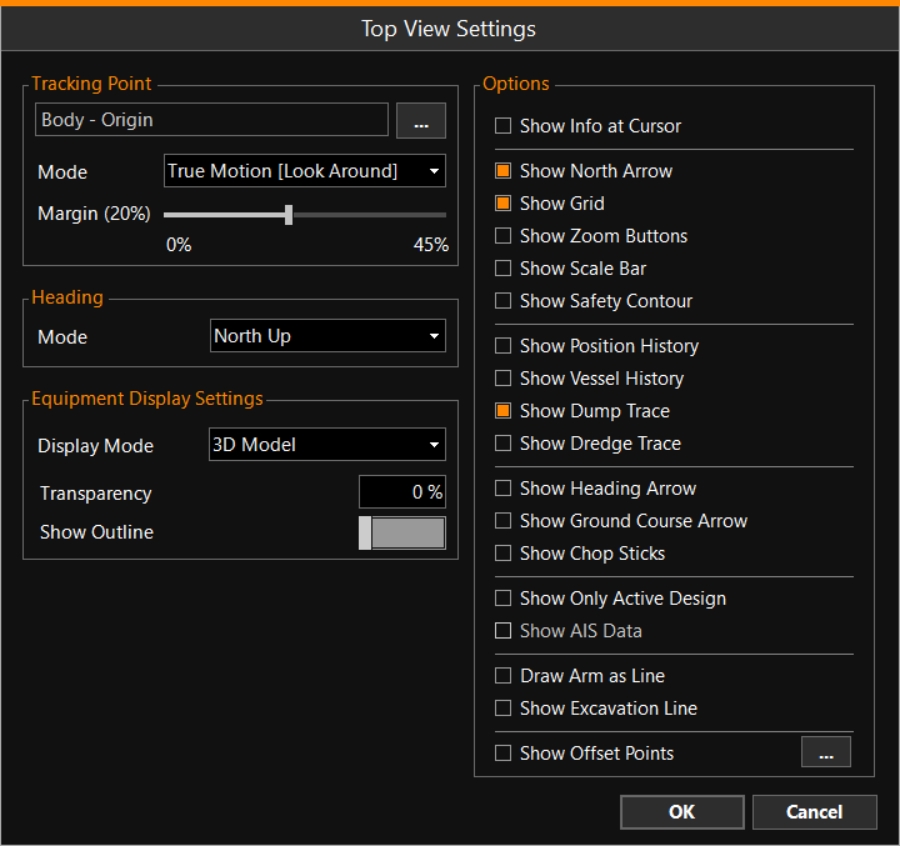
Top View > View Settings > Show Dump Trace
Right mouse click
Top View > View Settings > Show Dump Trace
Dump Trace Settings
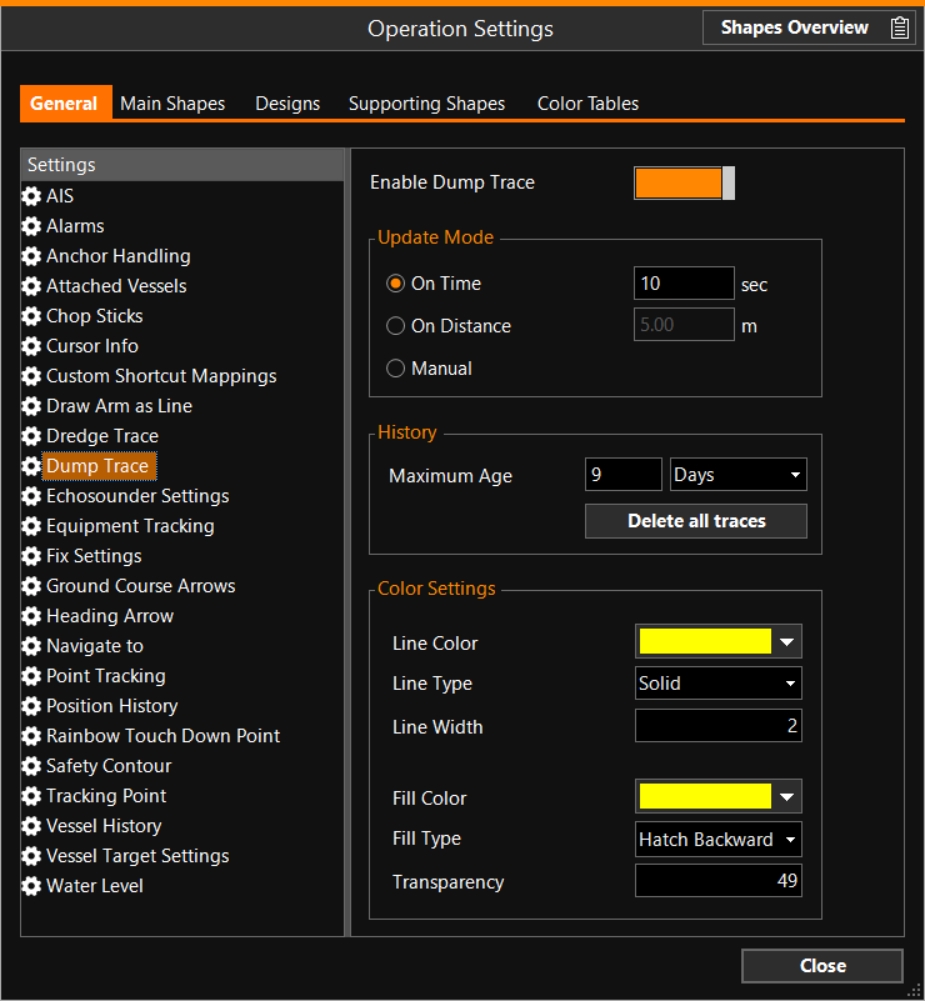
Make sure to 'Enable Dump Trace' here, to be able to show traces in a Top View.
MENU > Operation Settings > Dump Trace
For a SSDV
No volumes are shown, nor is an underlying grid layer necessary.
The only thing that will be shown in the screen, is a series of lines with the length of the bay(s):
For a Hopper Dredger
A series of hopper shapes A geometric entity or a collection of such entities. Each entity is described by basic geometry such as a point, a line or an arc. Examples of shapes are: Route, Centerline, Waypoints, Fix Set, Dump Boxes, Progress Grid Model, Designs, etc. will be shown:
Delete Dump Traces
MENU > Quick
Access > Delete Dump Traces
Delete Dump Traces will delete all dredge traces on your Top View.
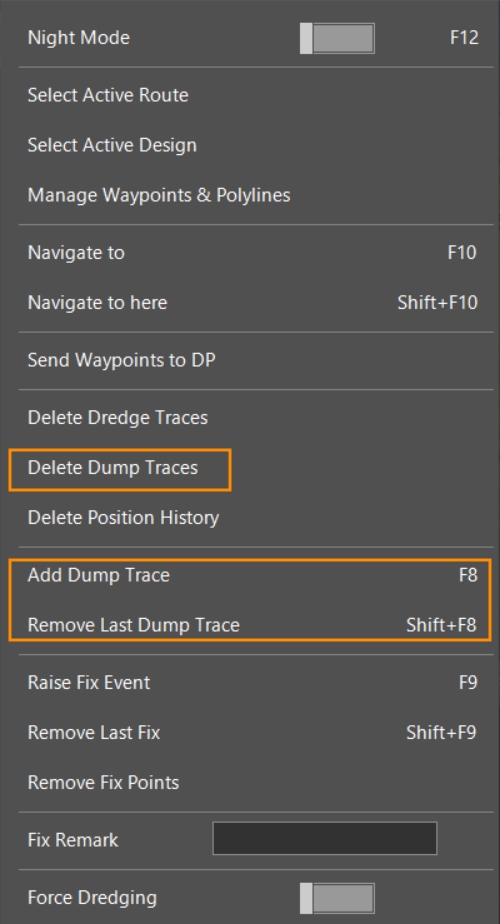
Add Dump Trace
Use F8 to manually add a Dump Trace.
Remove Last Dump Trace
Use key combination Shift+F8 to remove the last Dump Trace.
Press this combination a few times in a row to remove more traces.